Regulatory mandate for wireless TPMS, sensor integration in valve stems, BCM receiver location, aftermarket wheel requirements, and the retesting obligation after body modifications.
Quick Answer: TPMS & Aftermarket Wheels
What you need to know before swapping wheels:
- Relearn order: RF → LF → RR → LR → Spare (starts Right Front, not Left Front)
- Sensor cloning: Clone OEM sensor IDs onto aftermarket sensors with Autel MX Sensors — no relearn needed per swap
- Seasonal sets: Two sets with cloned IDs = swap freely, BCM self-clears in 10–15 min of driving
- Fault code: "Tyre pressure sensor lost" usually means wrong relearn sequence or incompatible sensor protocol
- Spare counts: The Grenadier includes the spare in its TPMS relearn — include it or face persistent warnings
Regulatory Mandate
TPMS is mandatory for EU M1 vehicle registration under EC 661/2009, amended by VO(EU) 2019/543. Vehicles registered after 1 November 2014 must have type-approved TPMS per UN-R 64 supplement or UN-R 141.
TPMS Is Not Optional
If your Grenadier is registered in the EU or a region applying EU regulations, TPMS must be functional and compliant. Disabling or removing TPMS may affect compliance with applicable registration regulations and could result in refusal of operating approval depending on jurisdiction. The same applies to countries applying EU and UN regulations.
System Architecture
The TPMS system consists of four main components working together to monitor and report tyre pressure across all wheels:
| Component | Location | Detail |
|---|---|---|
| Pressure sensors | Tyre valves | Integrated into valve stem |
| Receiver / Control Unit | BCM | Under cockpit trim, driver's side |
| Transmission | Wireless | Periodic broadcast from each wheel |
| Monitoring | Continuous | Alerts on pressure drop below threshold |
Each sensor is assigned to a specific wheel position. The BCM continuously monitors pressure across all four positions and alerts the driver when pressure drops below the warning threshold.
What You Cannot Do
Modifying system components is prohibited. Reprogramming and system calibration must be performed using approved diagnostic equipment. The receiver/control unit repositioning is not permissible. Influencing the system by electromagnetic fields is also prohibited. Repositioning system components is not permissible.
Any attempt to defeat or bypass TPMS will result in continuous fault alerts and potential registration non-compliance.
Aftermarket Wheels and Seasonal Changes
If you're installing aftermarket wheels, those wheels must be equipped with type-approved TPMS sensors integrated into the valve stems. In markets where TPMS is mandated, aftermarket wheels must retain compliant TPMS functionality.
Winter tyre conversions require sensors in the winter wheel set. Without them, the system will fault and alert continuously. Accessory wheels may or may not come with sensors — verify before purchase and budget for sensor sourcing and programming.
Retesting After Body Modifications
After bodywork in the TPMS area — modifications to wheel wells, suspension components, or rear axle structure — significant structural modifications affecting sensor placement or signal transmission may require compliance verification under applicable UN regulations. Account for this in your build budget and schedule.
The body builder must ensure that TPMS functionality remains intact and compliant after any structural modifications. Certification testing may be necessary to validate system performance.
M1 Reclassification
If the Chassis Cab is reclassified from non-M1 to M1, it must comply with M1 TPMS regulations. Non-M1 vehicles with TPMS must also comply with the above regulations. The change in vehicle classification triggers new compliance requirements that cannot be avoided.
Deviation and Operating Permit
Deviation from EU regulations may affect the vehicle's operating permit status. If you remove TPMS, disable it, or install non-compliant sensors, your registration authority may refuse to issue or renew operating permit.
When specifying aftermarket wheels, budget an additional cost for sensor sourcing and programming. If running seasonal wheels, ensure both sets have compliant sensors. Plan this early in the build process to avoid delays during final registration.
Aftermarket Wheel TPMS Pairing: Step-by-Step
Installing aftermarket wheels with new TPMS sensors is one of the most common modifications Grenadier owners undertake. Here's the procedure that actually works, based on dealer technician guidance and verified owner experience:
Option A: Transfer Factory Sensors to New Wheels
The simplest approach — move your existing OEM sensors from the factory wheels to your aftermarket wheels.
Procedure
- Step 1: Note the exact position of each factory sensor before removal (Front Left, Front Right, Rear Left, Rear Right). Label them.
- Step 2: Have a tyre shop dismount the factory tyres and carefully remove each TPMS sensor from its valve stem.
- Step 3: Install each sensor in the exact same wheel position on the new wheels. Front Left sensor goes into the new Front Left wheel. This is critical — the Grenadier's BCM tracks each sensor by position.
- Step 4: Mount and balance the new tyres on the aftermarket wheels with the sensors installed.
- Step 5: Install the wheels on the vehicle. Start the ignition. Drive for 10–15 minutes — the system should recognise the existing sensors automatically.
No relearn procedure is needed if the sensors maintain their original positions.
Option B: New Aftermarket TPMS Sensors
If you're running a second set of wheels (e.g., winter tyres on dedicated rims), you'll need new sensors. Pre-programmed replacement sensors (e.g., part number APTPMS255) are available and are designed to auto-learn once installed.
TPMS Relearn Procedure
- Step 1: Install new sensors in the aftermarket wheels and mount tyres.
- Step 2: Set each tyre to a slightly different pressure (at least 4 kPa apart). This helps you verify which sensor the BCM is seeing in each position. Using kPa (not PSI) gives more precision since the Grenadier doesn't display PSI decimal places.
- Step 3: Turn the ignition on (engine can be off).
- Step 4: Start with the Right Hand Front wheel — this is the Grenadier-specific quirk. Most TPMS relearn procedures start with Left Front, but the Grenadier starts with Right Front and works around the vehicle clockwise, finishing with the spare.
- Step 5: If using a TPMS programming tool (Autel TS508, Foxwell, etc.), trigger each sensor in the correct order: RF → LF → LR → RR → Spare.
- Step 6: Drive for 10–15 minutes to allow the system to confirm all sensor IDs.
- Step 7: Perform a cold tyre pressure reset through the vehicle's infotainment system to clear any warnings.
Pro Tip: Cloning OEM Sensor IDs
If you have a TPMS programming tool with cloning capability (e.g., Autel MX Sensors), you can clone the OEM sensor IDs onto your new aftermarket sensors. This means the BCM sees the same sensor IDs regardless of which wheel set is installed — no relearn needed when swapping between summer and winter wheels. Clone each sensor to match the OEM ID for its wheel position.
Seasonal Wheel Changeover: Managing Two Sets
If you run two sets of wheels (e.g., summer all-terrains and winter studs), TPMS management during changeovers is a recurring task. Here's how to handle it cleanly:
The Clone Method (Recommended)
As described above, clone your OEM sensor IDs onto the sensors in your second wheel set. Both sets now broadcast the same IDs. Swap wheels, drive 10–15 minutes, and the system picks up the sensors automatically. No relearn, no tool, no dealer visit.
The Relearn Method
If your sensors have unique IDs (non-cloned), you'll need to perform the relearn procedure each time you swap wheels. This adds 20–30 minutes to each changeover but avoids the upfront cost of a TPMS programming tool.
The Cold Reset After Every Swap
Regardless of method, always perform a cold tyre pressure reset after a wheel swap. This calibrates the BCM's baseline pressures to the new set. Without the reset, you may get persistent low-pressure warnings even when tyres are correctly inflated.
Temperature and Cold Reset
The cold reset function has a temperature threshold — it's designed to be performed on genuinely cold tyres (not heat-soaked from driving). Owner experience suggests the threshold is around 75°F / 24°C tyre temperature, though INEOS doesn't publish an exact figure. If the reset fails, let the tyres cool and try again. Some owners report successful resets at tyre temperatures up to 39°C (103°F), so there may be some tolerance built in.
Common TPMS Issues Owners Encounter
Based on community experience and forum discussions, these are the recurring TPMS challenges Grenadier owners face:
Crossed Sensor Positions on Delivery
Multiple owners have reported that their Grenadier was delivered with TPMS sensors assigned to the wrong wheel positions in the BCM — for example, the Right Rear sensor showing as Right Front on the dashboard. This is a dealer setup error, not a system fault. It can be corrected by a TPMS relearn procedure (starting from Right Front) or by a dealer recalibration.
Valve Stem Compatibility with Aftermarket Wheels
The Grenadier's OEM TPMS sensors are integrated into the tyre valve stems. Some aftermarket wheel designs have valve stem holes in different locations or at different angles. Verify that your aftermarket wheels can accommodate the OEM sensor/valve assembly — or plan to use aftermarket sensors with compatible valve types (clamp-in vs. snap-in). APEX-style valves are popular for aftermarket steel wheels.
Spare Tyre TPMS
The Grenadier's TPMS system includes the spare tyre in its monitoring and learn procedure. This is unusual — most vehicles don't monitor the spare. When performing a relearn, include the spare as the fifth and final wheel in the sequence. If you're running a different-sized spare, its pressure will naturally differ from the road wheels — this is expected and won't trigger a warning as long as it's within the spare's specified range.
TPMS Tool Compatibility
Not all aftermarket TPMS tools support the Grenadier's protocol. As of early 2026, the Autel MaxiTPMS TS508 and Foxwell T2000 have confirmed Grenadier support. Earlier versions of some tools (particularly pre-2024 software) may not include the Grenadier in their vehicle database. Ensure your tool's software is updated before attempting sensor programming or triggering.
TPMS Pairing Procedure and Seasonal Changeover
Swapping to aftermarket wheels on the Grenadier is more involved than most vehicles because of the TPMS sensor pairing process. Here's what the community has learned through trial and error.
The Pairing Sequence (Critical Detail)
The Grenadier's TPMS learn procedure has a specific wheel order that catches many owners and even dealers off guard:
- Start with the Right-Hand Front wheel (not the left front — this is the opposite of most vehicles)
- Move to Left-Hand Front
- Then Right-Hand Rear
- Then Left-Hand Rear
- Finally, the spare tyre (yes, the Grenadier monitors the spare)
Starting with the wrong wheel will result in sensors being registered to the wrong position, causing the dashboard to show pressures in the wrong corners.
Sensor Cloning for Second Wheel Sets
If you run a second set of wheels (winter tyres, off-road set), you have two options:
- Option A: Clone sensor IDs. Using an Autel MaxiTPMS TS508 (or similar), clone your original sensor IDs onto the new sensors. The Grenadier then recognises the new sensors as the originals — no relearn needed when swapping.
- Option B: Relearn each swap. Install sensors with new IDs and run the learn procedure each time you change wheels. More hassle but doesn't require a TPMS programming tool.
Important: The Grenadier uses direct TPMS (pressure sensors in each wheel) rather than indirect TPMS (which uses ABS wheel speed). This means you cannot simply disable TPMS by removing sensors — the system will flag a persistent warning.
What Owners Are Experiencing
"It's actually easy, if you know the trick — you must start with the right-hand front wheel and work around finishing with the spare. 99% of TPMS operations start with the left front, not the right front."
— Owner who cracked the pairing sequence, The INEOS Forum, January 2024
"Way to go INEOS forum! Barely 24 hours after posting, another forum member and myself made a successful swap of alloy wheels for steel wheels. All was well for the first 10 miles and then we both got a TPMS error message — 'Tyre pressure sensor lost' and a yellow warning symbol."
— Owner describing post-swap TPMS issues, The INEOS Forum, January 2024
"The dealer tried to reprogram the car to switch the sensors around, but couldn't. Dealer raised a number of technical requests to INEOS, but no solution was found."
— Owner reporting dealer difficulties with TPMS, The INEOS Forum, October 2023
"I spoke with Autel today and they have removed the 'copy by activation' and 'manual copy' features from the TS508wf. How did you reprogram your Autel TPMS sensors to match the stock wheel sensor IDs?"
— Owner navigating TPMS tool changes, The INEOS Forum, November 2025
Seasonal Changeover Checklist
| Step | Action | Why It Matters |
|---|---|---|
| 1 | Record current sensor IDs from all 5 positions (including spare) | You'll need these if cloning to new sensors |
| 2 | Set tyre pressures slightly different on each wheel (±4 kPa) | Helps verify which sensor the system reads at each position |
| 3 | Use kPa display (not PSI) during setup | More granular — the Grenadier doesn't show decimal PSI |
| 4 | Follow the RF → LF → RR → LR → Spare sequence | Wrong sequence = wrong positions on dashboard |
| 5 | Drive 10–15 minutes after relearn | System needs time to confirm all sensors are responding |
| 6 | Verify all 5 positions show correct pressures | Cross-reference your known different pressures to confirm correct mapping |
INEOS Grenadier Accessories from DVA Mechanics
Owners fitting aftermarket wheels often upgrade their exterior setup at the same time. These are the most-installed DVA systems for Grenadier builds:
- Spare Tire Utility System — mounts gear to the spare wheel carrier without drilling; relevant if you carry a second TPMS sensor set on the spare
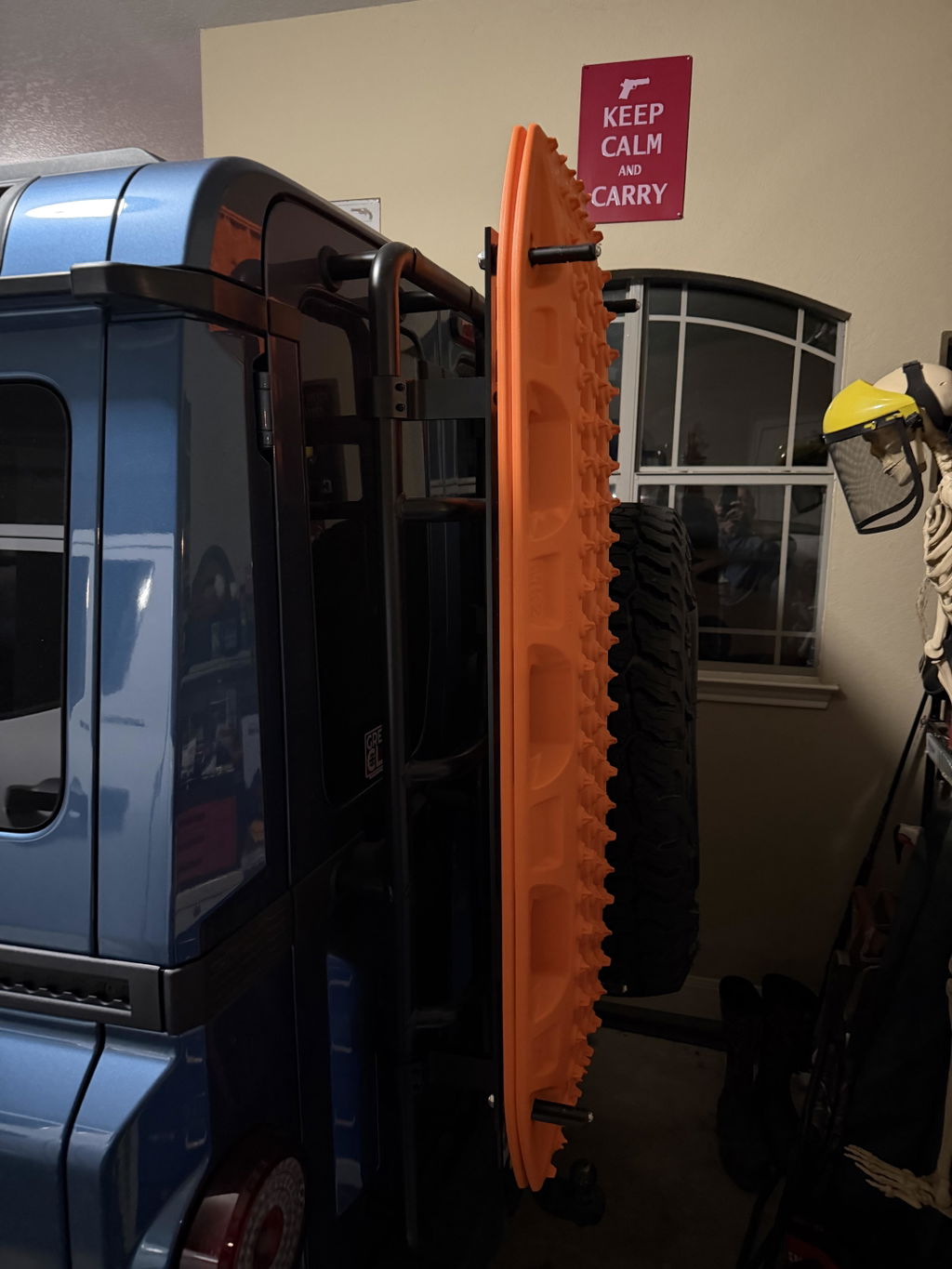
- Ladder-Mounted Recovery Board Carrier — MaxTrax MKII & Lite mount for owners running winter or off-road wheel sets
- All Grenadier Exterior Accessories — full range of DVA exterior upgrades for the INEOS Grenadier
Related DVA Engineering Guides
- Approved Tyres: Why Only Four SKUs Are Cleared
- ESP Sensitivity: Modifications That Will Compromise Vehicle Stability
- Springs and Suspension: What INEOS Allows Without a Clearance Certificate
- Grenadier Differential Lockers: The Owner's Guide
- Grenadier Warning Lights: What You'll Actually See and What to Do